
You're paying for clicks. The dashboard looks healthy; impressions are climbing, the click-through rate is respectable, and budget spending is in full. Then you check, your inbox and there's nothing. No enquiries, no calls, no quote requests. Just an invoice from Google.
The problem is almost never traffic. A click means someone was interested enough to raise their hand. Everything after that click, the page they land on, the offer they see, the form they're asked to fill in, decides whether they become a lead or a bounce statistic.
Here are the eight most common reasons Australian small businesses get clicks but no leads, and what to do about each one.
The Click Is Not the Conversion
Your funnel has two halves. The first is everything before the click: keywords, audiences, ad copy, bidding and budget. The second is everything after it: your landing page, offer, proof, form and call to action.
Most business owners spend nearly all their time on the first half. But when clicks arrive and leads don't, the leak is almost always in the second. A typical lead generation landing page converts 2% to 5% of visitors. If yours is sitting at 0%, something structural is broken — and extra budget won't paper over it.
1. You're Reaching the Wrong Audience
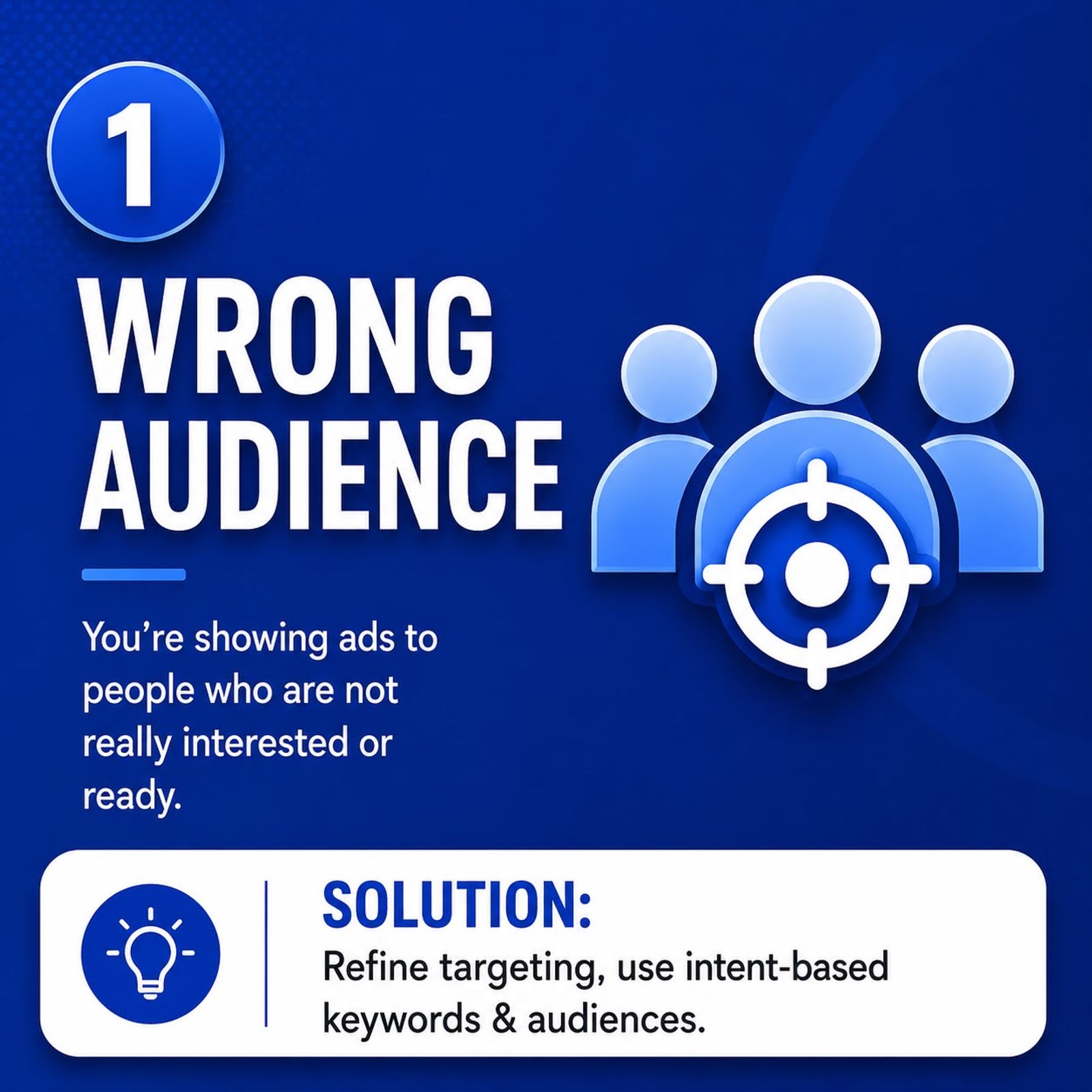
Clicks from the wrong people look identical to clicks from the right people in your reporting. Same cost, same graph. The difference only shows up in your enquiry count. This is the most common cause of expensive, lead-free campaigns, and it usually comes from one of these:
- Broad match keywords running unsupervised. Bid on "plumbing" and you'll pay for plumbing courses, wholesale supplies, and DIY tap repairs.
- No negative keyword list. Words like free, cheap, DIY, jobs, salary and course quietly drain budget every day.
- Location targeting set too wide. Targeting all of Australia when you only service Melbourne's south-east means most clicks can never become customers.
- Interest-based social targeting with no intent. Someone who "likes" home renovation is not the same as someone searching for a builder this week.
What to do about it
Open your search terms report — not your keyword report, the search terms report — and read the actual phrases people typed before clicking. Add every irrelevant term as a negative keyword, then tighten your match types so exact and phrase carry most of the budget.
Layer in intent signals. On search, that means keywords containing quote, hire, service, near me, emergency and cost. On social, it means retargeting past website visitors rather than cold interest audiences.
If you'd rather have this handled properly, our Google Ads management in Melbourne is built around intent-first targeting, and our broader PPC services apply the same discipline across search, shopping and social.
2. Your Offer Isn't Strong Enough to Act On
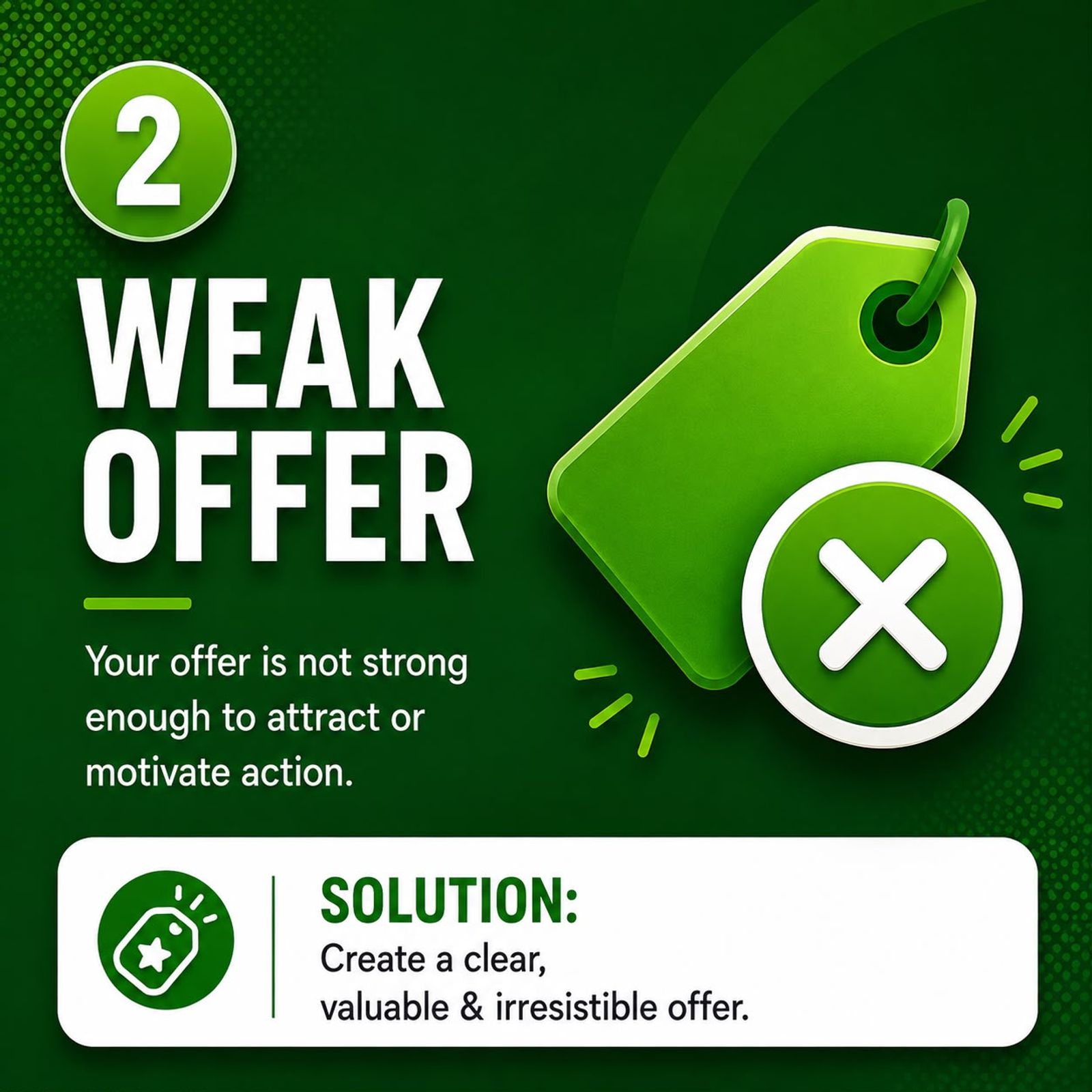
The right person is now on your page. What are you asking them to do, and what do they get for doing it?
"Contact us" is not an offer. "Learn more" is not an offer. "Get in touch for a quote" is barely one, because the visitor knows a quote means a sales conversation — and they're not ready for one at 9pm on a Tuesday.
A strong offer removes risk and gives something concrete in return for a phone number:
- Free 15-minute strategy call — no obligation
- Free on-site quote within 24 hours
- Free ad account or website audit, delivered as a written report
- Fixed-price package with the price visible on the page
They're specific, low-commitment, and the visitor can picture exactly what happens next.
What to do about it
Write your offer in one sentence a stranger could repeat back to you. Add a timeframe ("within 24 hours"), remove risk ("no obligation", "no lock-in contract"), and put a number on it wherever you honestly can. Then run two offers for two weeks with equal budget and let the enquiry count decide.
3. Your Landing Page Doesn't Convert
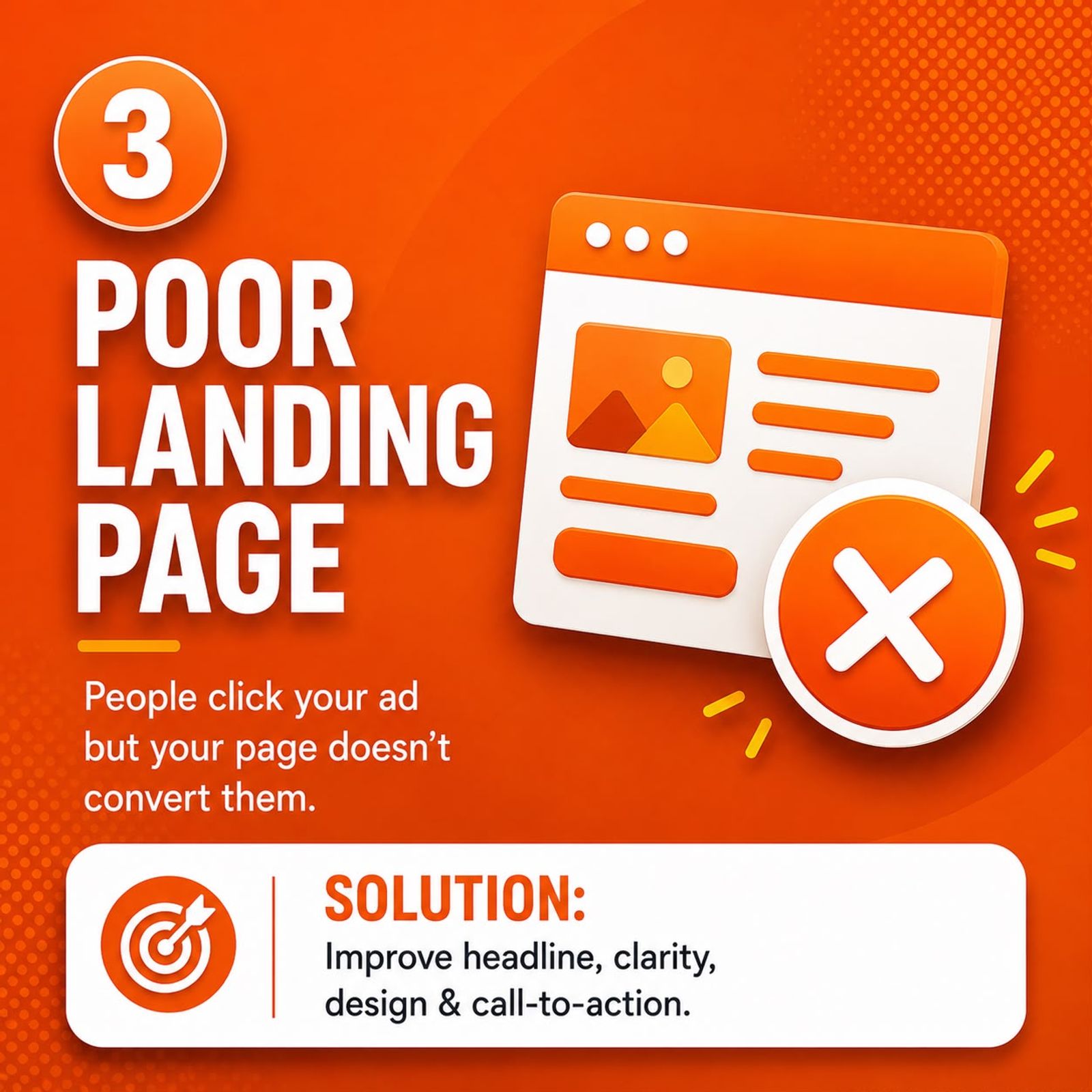
Sending paid traffic to your homepage is one of the most expensive habits in small business marketing. A homepage serves everyone — existing customers, job applicants, suppliers, browsers. A landing page serves one person with one problem and gives them one next step.
Signs your landing page is the problem:
- The headline talks about your business, not the visitor's problem
- The visitor has to scroll before they understand what you do
- Twelve navigation links invite them to wander off
- Prices, service areas and process are buried three clicks deep
- It looks cramped or broken on a phone, where most of your traffic is
What to do about it
Build a dedicated landing page per service and per campaign. Above the fold, answer three questions in under five seconds: What do you do? Who is it for? What do I do next? Strip the navigation down — every extra link is an exit. Lead with the outcome the customer wants ("Blocked drain cleared today — same-day service across Melbourne") rather than a description of your company.
And check it on a phone before you spend another dollar. If your page is hard to use on mobile, a professionally built website will pay for itself faster than any bid adjustment.
4. Your Ad Says One Thing, Your Page Says Another
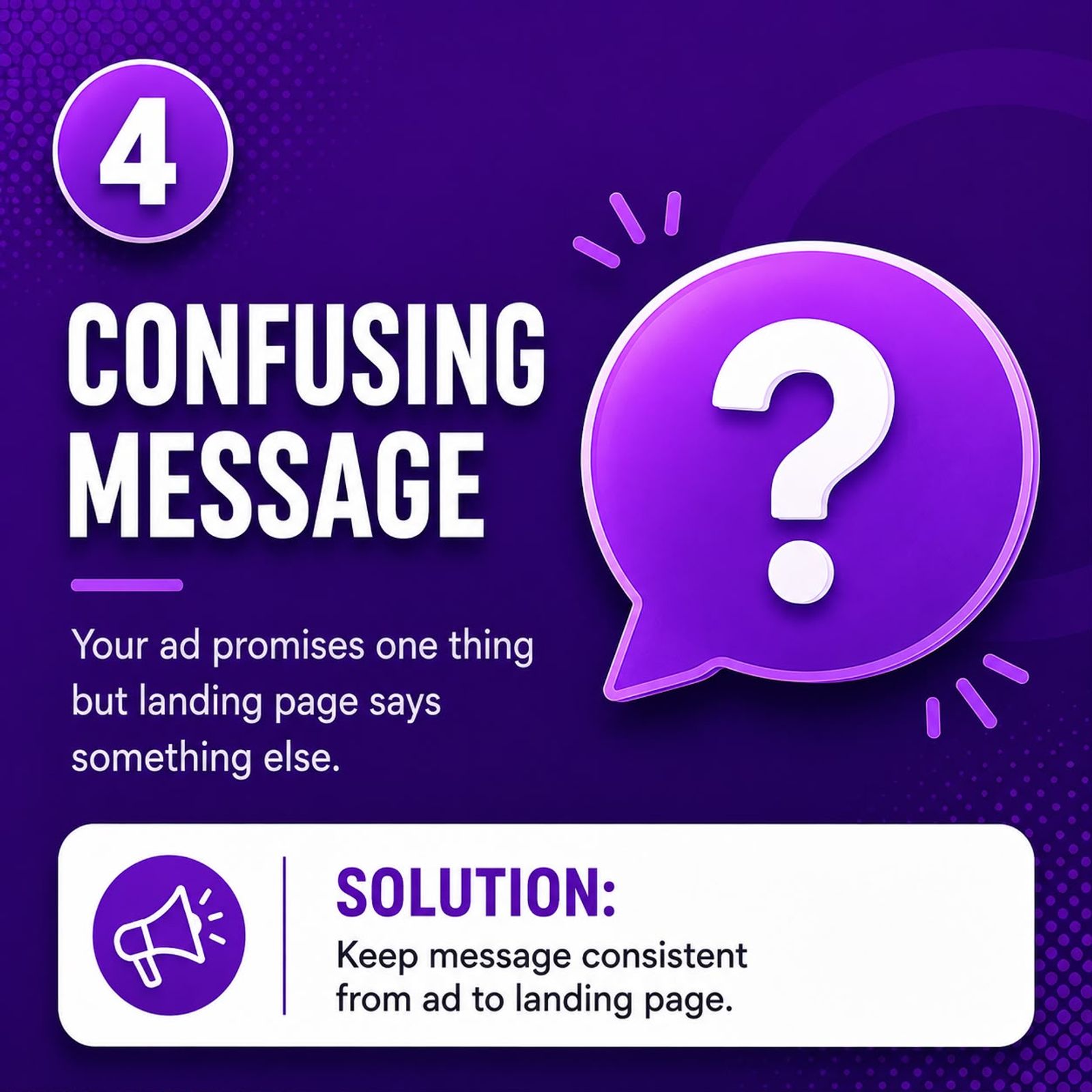
Your ad promises "Free Website Audit". The visitor clicks and lands on a general services page with a paragraph about your company history and a "Contact Us" link in the footer. Nothing mentions an audit. They feel a jolt of confusion, decide they've clicked the wrong thing, and leave within four seconds.
Marketers call this message match. When the words in the ad don't appear in the page headline, trust breaks instantly — and it drags down your Quality Score, so you pay more per click for worse positions.
What to do about it
Open your ad and your landing page side by side. The promise in the ad headline should appear almost word-for-word in the page's H1. If your ad says "Same-Day Electrician in Brunswick", your page headline should say "Same-Day Electrician in Brunswick" — not "Welcome to Our Electrical Services". Do the same with the offer, the price and the location, right through to the thank-you page.
5. Your Form Asks for Too Much
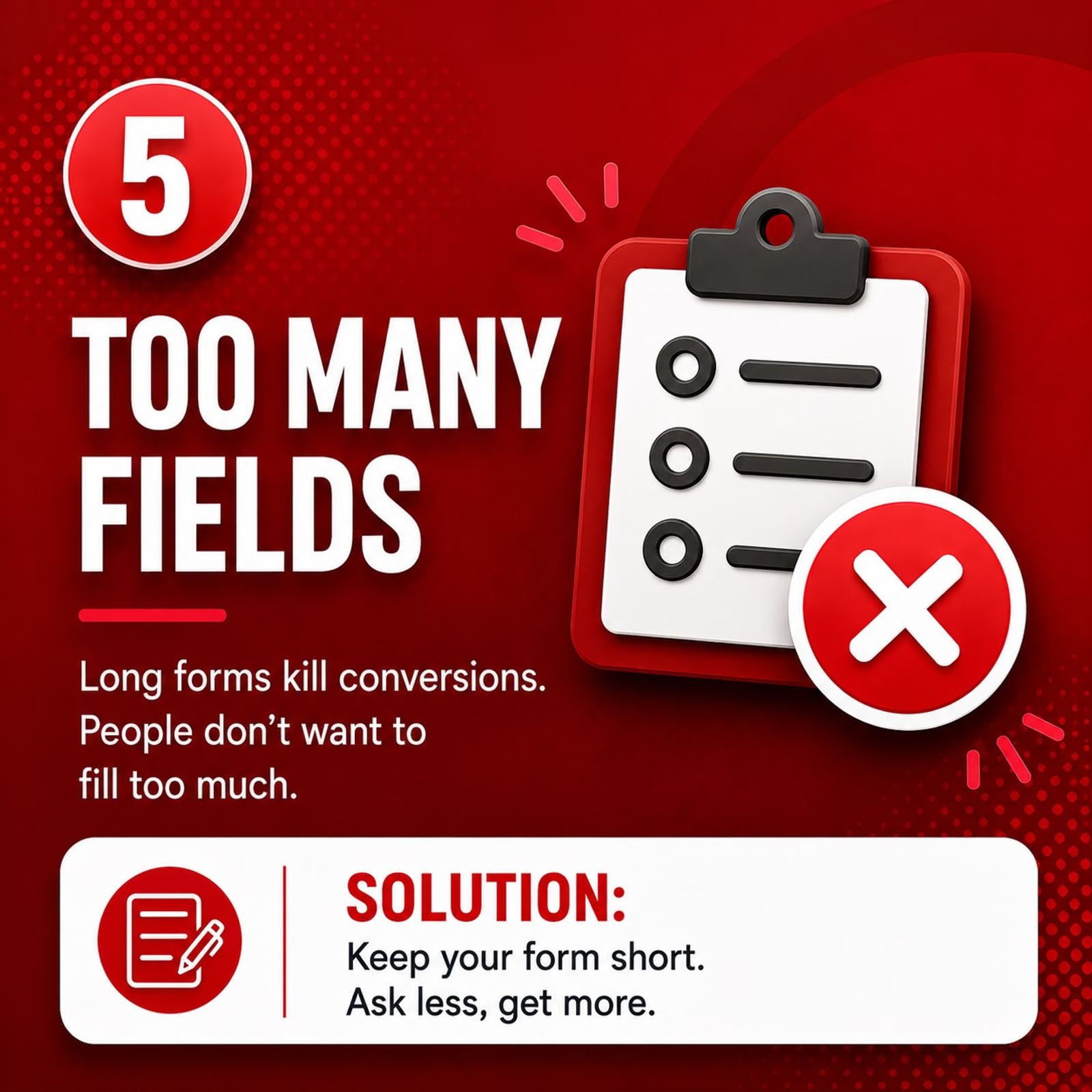
Every field is a tax on the visitor's patience. Ask for name, email, phone, company, ABN, budget range, preferred contact time, suburb and "how did you hear about us" and you'll get very few submissions — but excellent data on the three people who bothered.
Long forms feel safe because they promise better-qualified leads. In practice they filter out busy people, and busy people are usually the ones with money to spend.
What to do about it
Cut your form to the minimum you need for a useful first conversation. For most service businesses that's three fields: name, phone, and a short message or service dropdown. Qualify further on the call — that's what the call is for. A few small changes also lift completion rates:
- Make the button say what happens next: "Get My Free Quote", not "Submit"
- Add a one-line reassurance underneath: "We'll call you back within 2 business hours"
- Show your phone number prominently — some people will never fill in a form
6. There's No Proof You Can Be Trusted
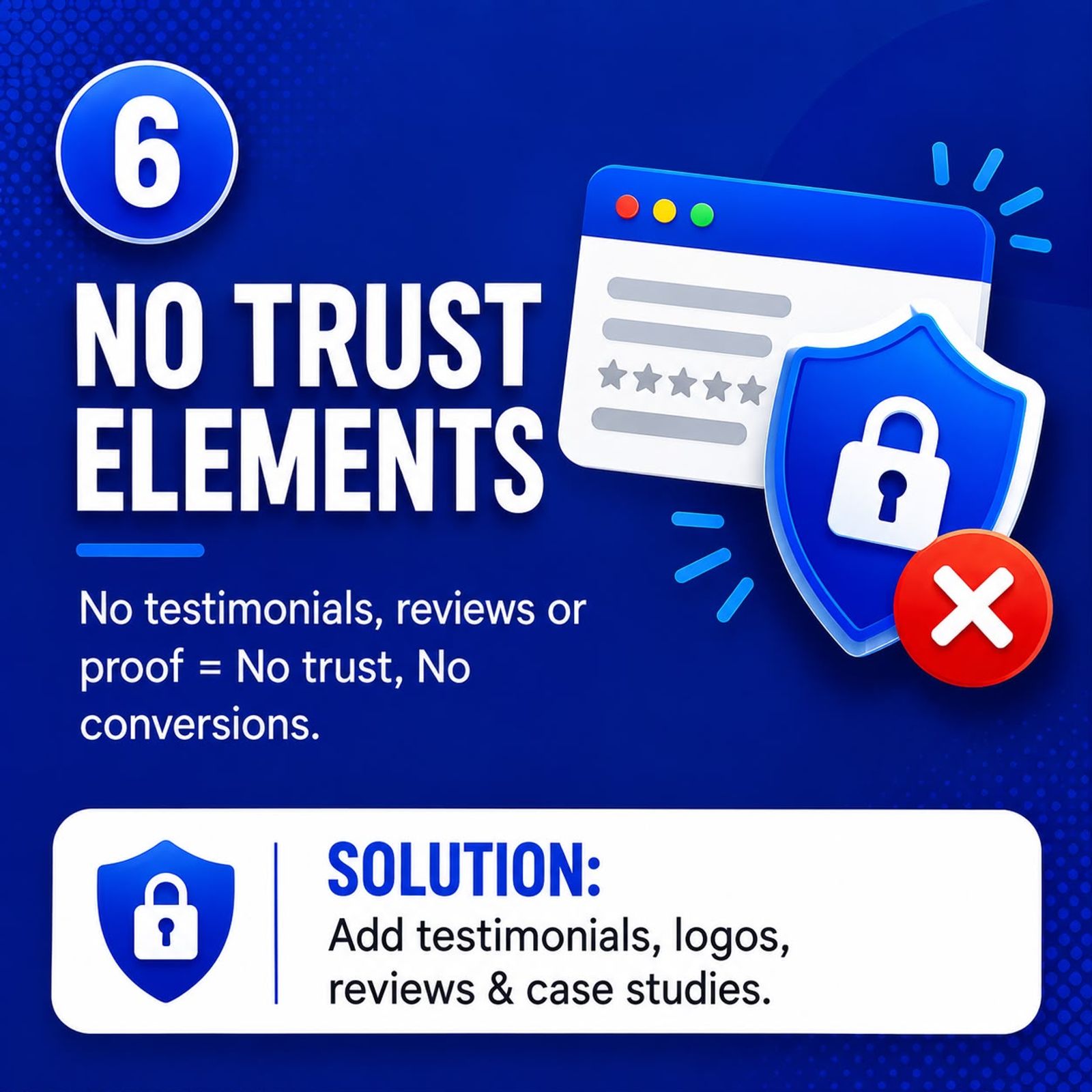
A visitor who arrived from an ad has never heard your name, and they're being asked to hand a phone number to a stranger who will then try to sell them something.
If your page has no reviews, no testimonials, no photos of real work and no evidence anyone has ever hired you, the safest decision is to close the tab and go back to Google — where your competitor's page has 87 five-star reviews on it.
What to do about it
Put proof where the decision happens: right next to your form and your call to action, not on a separate "Testimonials" page nobody visits. The most persuasive elements, roughly in order:
- Google reviews with the star rating and review count visible
- Named testimonials with a suburb and, ideally, a photo
- Real job photos or before-and-afters, not stock imagery
- Specific results ("cut their cost per lead from $180 to $46")
- Licences, insurance, accreditations and industry memberships
Specificity beats volume. One detailed testimonial naming a suburb and a result outperforms ten generic "Great service, highly recommend!" lines.
7. Your Page Loads Too Slowly
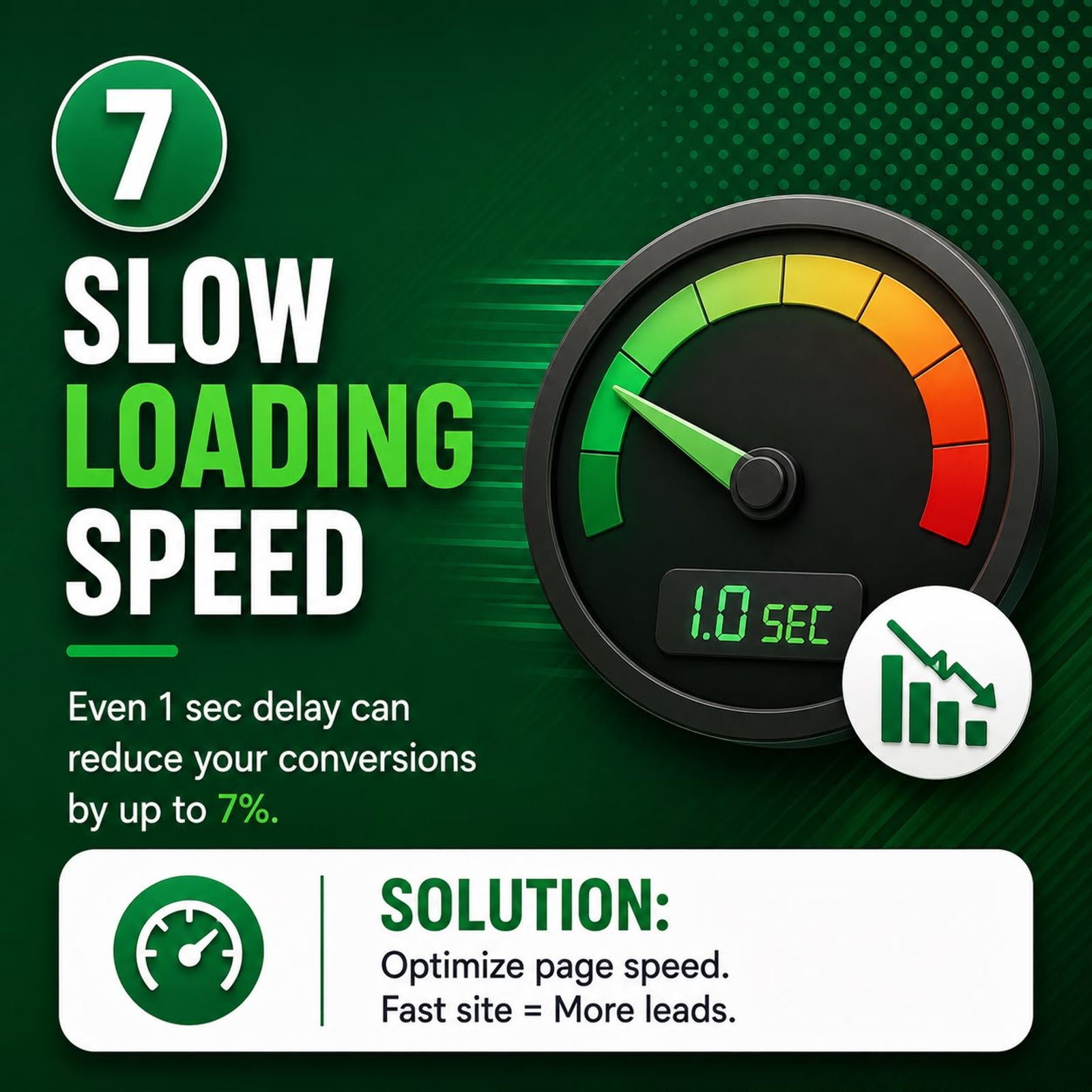
Speed isn't a technical nicety — it's a conversion lever. Google's research found most mobile visitors abandon a page taking longer than three seconds to load, and widely cited industry studies put the cost of each extra second at several percentage points of conversion.
The cruel part is that you pay for the click regardless. If your page takes six seconds on suburban 4G, you're paying full price for visitors who never see your offer.
What to do about it
Run your landing page through Google PageSpeed Insights, testing on mobile rather than desktop. The usual culprits for Australian small business sites are:
- Uncompressed hero images uploaded straight from a phone or camera
- Slow or overseas hosting adding latency to every request
- Plugin bloat — 40 WordPress plugins each loading their own scripts
- Page builders generating heavy, unnecessary code
- No caching or CDN in place
Compress every image and serve modern formats like WebP. Remove plugins you don't use. Enable caching. If your hosting is the bottleneck, Australian-based hosting removes an easy chunk of latency for local visitors, and a technical SEO clean-up will fix the deeper issues that speed plugins can't reach. Ongoing website maintenance is what stops the problem creeping back in six months later.
8. There's No Clear Call to Action
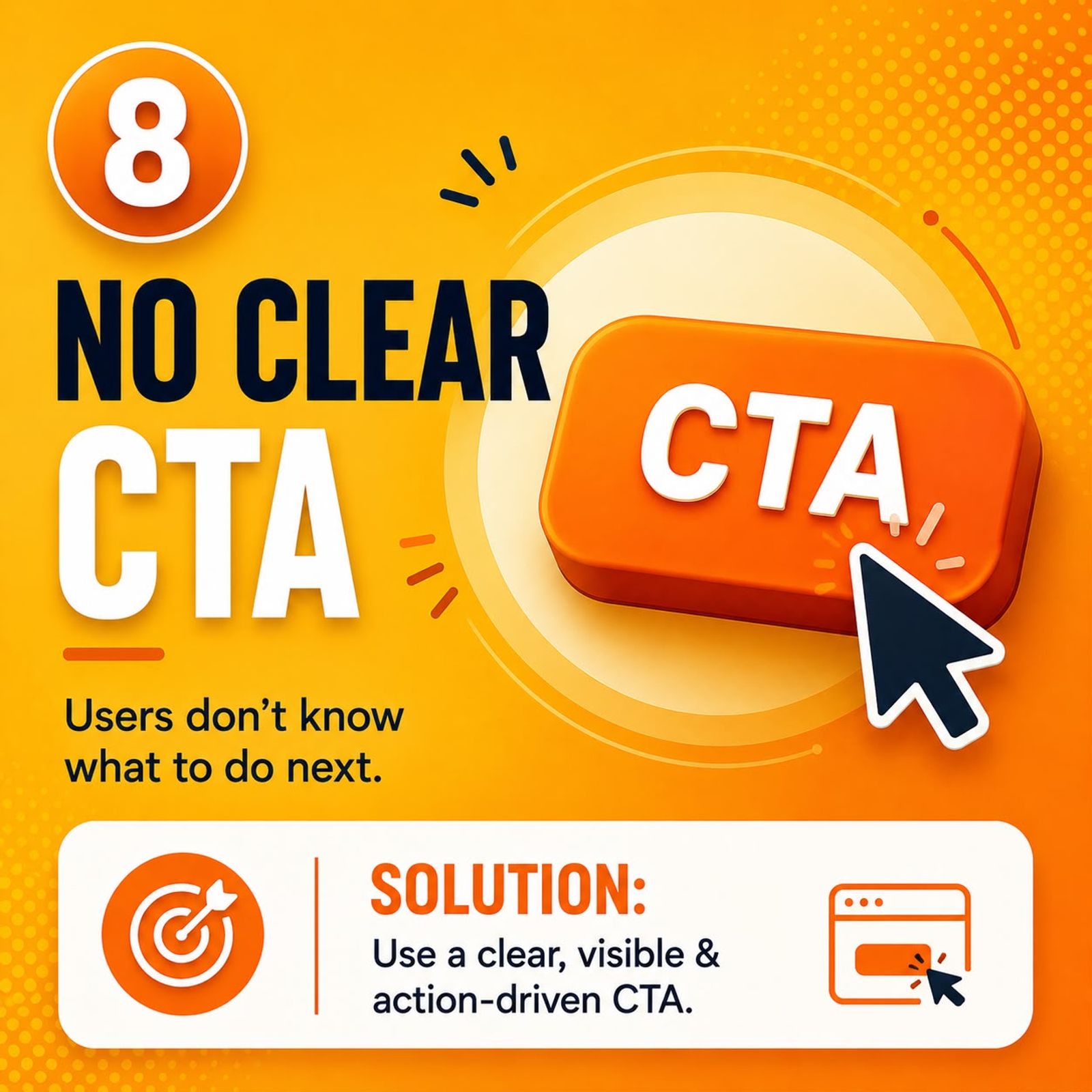
The simplest cause, and the most frequently missed. The visitor is convinced. They want to enquire. And then they can't work out how.
The call to action is hidden in the footer. Or there are five competing buttons — call, email, chat, download, subscribe — and no obvious primary one. Or the button blends politely into the background because it looked nicer that way. Confusion doesn't produce a lead. It produces a back button.
What to do about it
Choose one primary action per page. One. Everything else should look secondary. Make the button visually loud — a colour that appears nowhere else — and repeat it: above the fold, mid-page, at the end, plus a sticky call button on mobile.
Write it in the first person and describe the outcome: "Get My Free Quote", "Book My Free Call". Then be honest about what happens next, because uncertainty is friction: "Fill in the form and we'll call you within 2 business hours."
How to Find Your Own Leak in 30 Minutes
You don't need expensive software to diagnose this:
- Read the search terms report. If more than a third of clicks come from irrelevant searches, stop here — you have a targeting problem (cause 1).
- Check bounce rate and time on page. High bounce after a few seconds points to message mismatch or slow loading (causes 4 and 7).
- Check whether people reach the form. If they scroll to it and don't submit, your form or your offer is the issue (causes 2 and 5).
- Test the mobile journey yourself. Click your own ad from your phone on mobile data and try to enquire. Most problems reveal themselves in that one test.
- Confirm the form actually sends. Submit a test enquiry. Leads arriving nowhere because of a broken notification or mistyped email address is more common than you'd think — and it's the cheapest possible fix.
A Realistic 30-Day Plan
Week 1 — Stop the bleeding. Add negative keywords, tighten location targeting, confirm form and tracking work end to end.
Week 2 — Fix the page. Rewrite the headline to match your ad, cut the form to three fields, add Google reviews beside the form.
Week 3 — Strengthen offer and speed. Replace "Contact Us" with a concrete, risk-free offer. Compress images, clear out unused plugins.
Week 4 — Measure and iterate. Compare cost per lead to last month. Test one new headline and one new offer.
Get More Leads From the Clicks You're Already Paying For
Clicks without leads is a solvable problem, and it's usually cheaper to fix than to outspend. Sharpen the targeting and the offer, match the message, simplify the form, show the proof, speed up the page and make the next step obvious — and the same budget starts producing a very different result.
If you'd rather not work through it alone, we can help. Web Like Web builds and manages Google Ads campaigns, Facebook Ads and Instagram Ads for Australian small businesses, designs high-converting websites and landing pages, and grows organic traffic through SEO in Melbourne and local SEO so you're not dependent on paid clicks forever.
Request a free ad account and landing page review and we'll tell you exactly where your leads are leaking — no obligation.
Frequently Asked Questions
Why am I getting clicks on Google Ads but no conversions?
In most cases it's a landing page or offer problem rather than an ad problem. The click proves interest existed; the absence of a lead means the page failed to convert that interest. Start by checking that your form works, that your page headline matches your ad, and that your search terms report shows relevant queries.
How many leads should I expect from 100 clicks?
For a well-built lead generation page, two to five enquiries per 100 clicks is a reasonable benchmark for most service businesses, though it varies widely by industry and price point. Zero leads from 100 or more clicks almost always indicates a structural problem, not bad luck.
Should I send ad traffic to my homepage?
Generally no. A dedicated landing page matched to the specific ad and keyword will nearly always outperform a homepage, because it removes distractions and speaks to one intent rather than everyone at once.
Is it my ads or my website that's the problem?
If your click-through rate is healthy but conversions are near zero, the website is the likely cause. If your click-through rate is poor and clicks are expensive, the ads and targeting need attention first. Check both — they're usually related.
How long before I should expect results after fixing these issues?
Landing page and form changes can show a difference within days, since they affect every visitor immediately. Targeting changes typically need two to four weeks of data before you can judge them fairly.

Navid founded Web Like Web in 2014 and has spent over a decade helping Australian businesses grow through SEO, Google Ads and web design.
